
GR81 IPTV STUDIO
Clean, sort and check your own playlist on your computer: keep only what you watch, hide what does not work, and send it to any player.
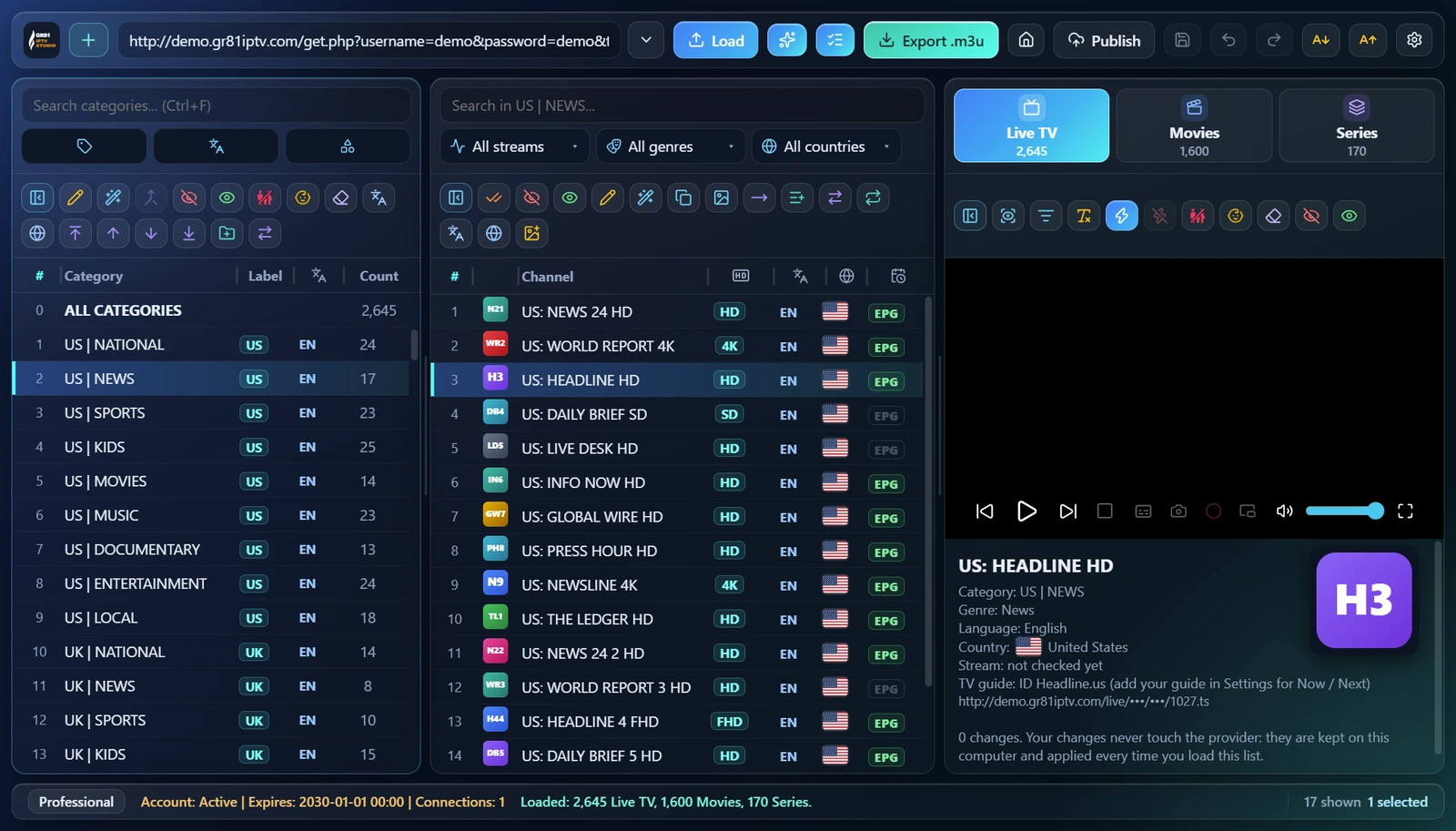
Built for Big Playlists
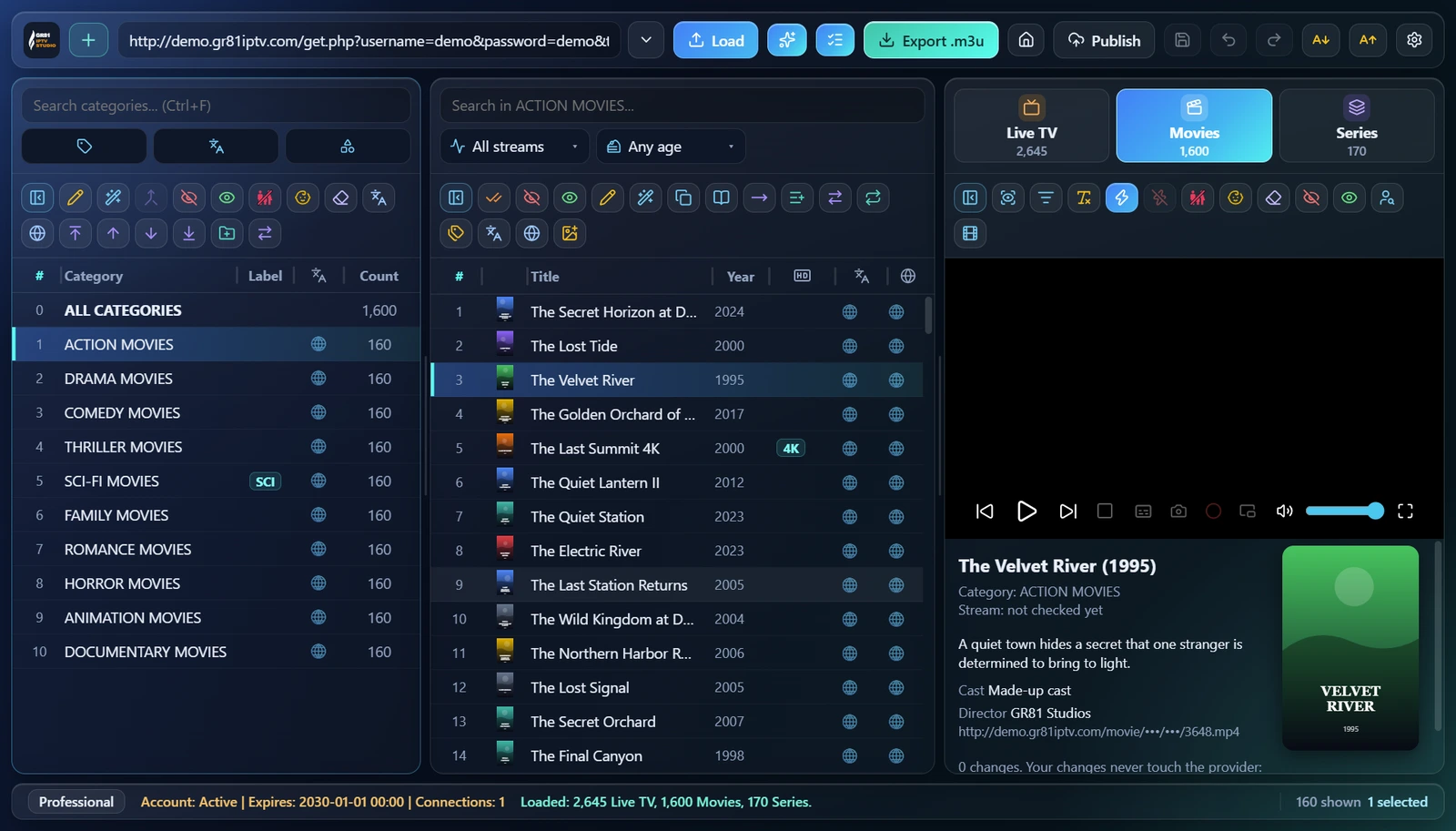
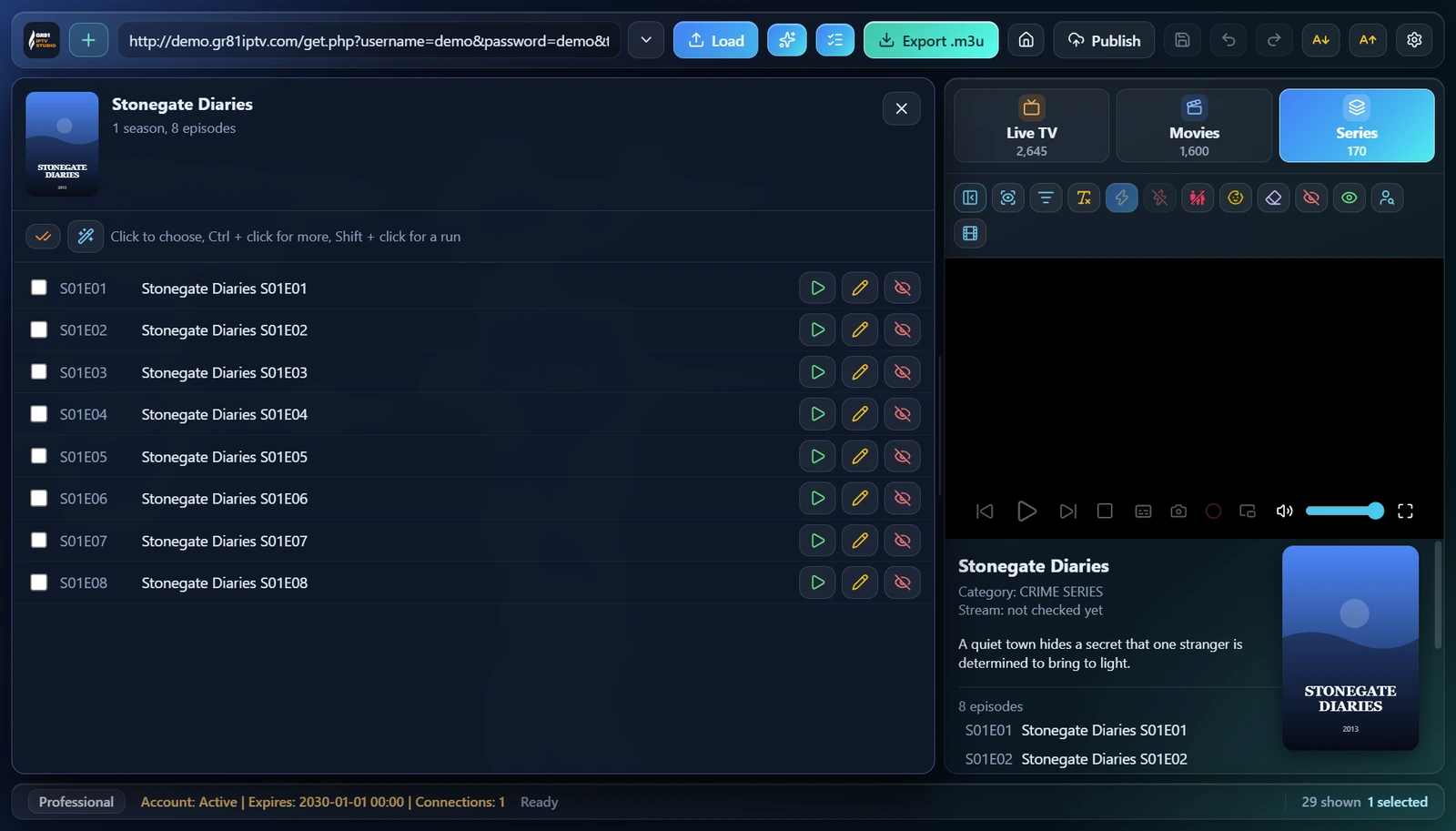
Live TV, Movies and Series in one place, thousands of entries at once. (Pictures with a demo list: every channel, film and series name in them is made up.)
Why Choose GR81 IPTV STUDIO
Your provider's list stays as it is. Your changes stay on your computer and are applied every time you load it.
Smart Playlist
One click tidies names, repairs broken letters, hides duplicates and marks adult categories.
Keep Only
Keep the languages, countries and categories you watch. The rest is hidden, never deleted.
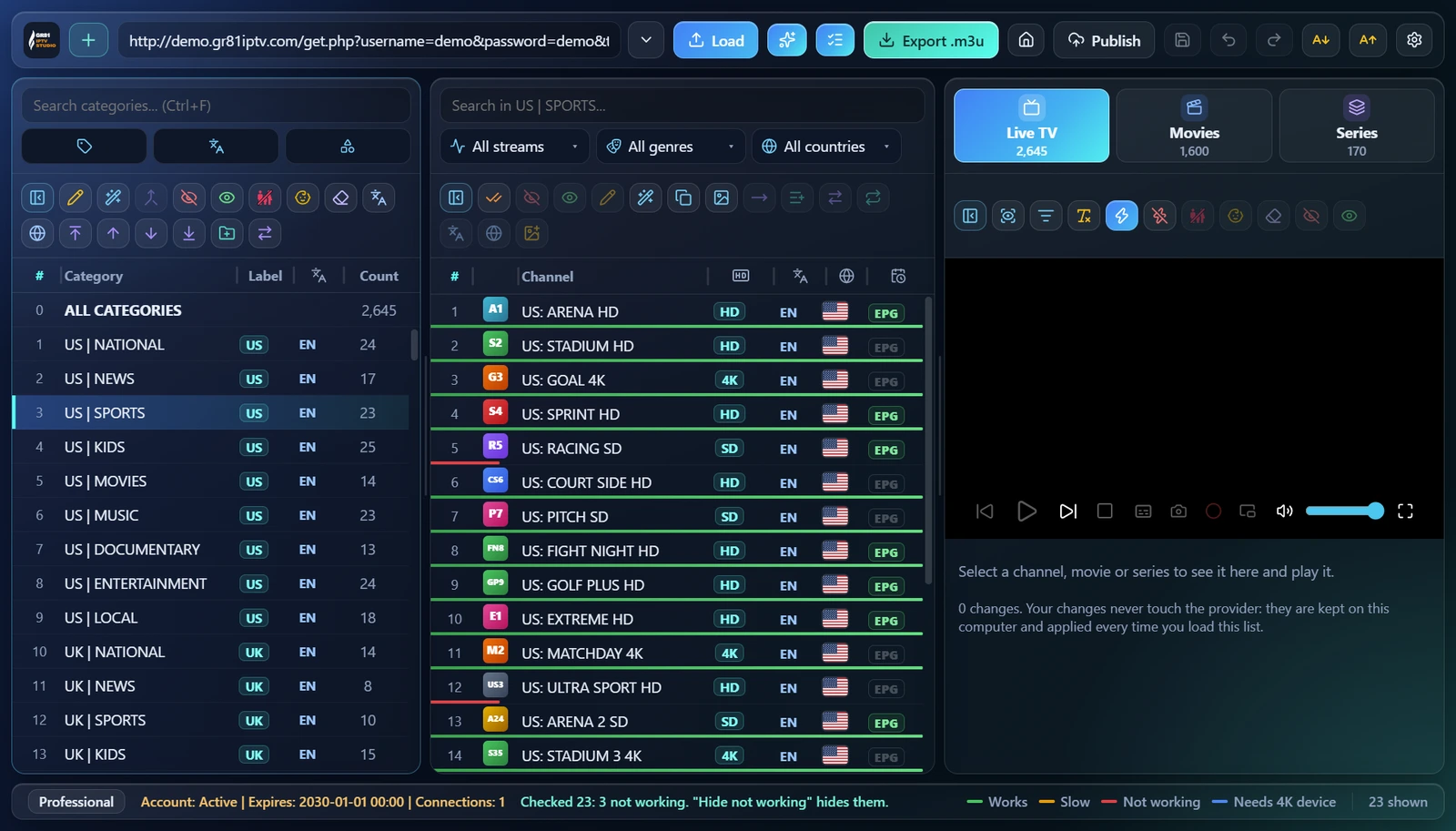
Channel Check
See which channels work, which are slow and which do not, and hide the dead ones at once.
Your Own Order
Rename, merge and move categories with drag and drop, and make categories of your own.
Family Marks
Mark adult and not-for-kids content; players with a family mode hide it when it is turned on.
Any Player
Export an .m3u file, a link in your own Google Drive, or Home login for every player in the house.
How It Works
Your account is your email. Every new account has 7 days free with every tool.
1
Install the app
Download GR81 IPTV Studio for Windows and open it.
2
Sign in
Type your email and the 6-digit code we send you, or continue with Google. Your 7 free days start.
3
Load your list
Paste your list's link, open a file, or add your provider login. No list? Try a free list.
4
Clean and send
Keep what you watch, check the channels, and export the list to the player you use.